 poke-survivor.xyz
Connection, login and stuck rooms
Checked 21 October 2026 against build d2dfaee739 and repository 3c9641c9e7. No live server outage or device-specific fix is established by this page.

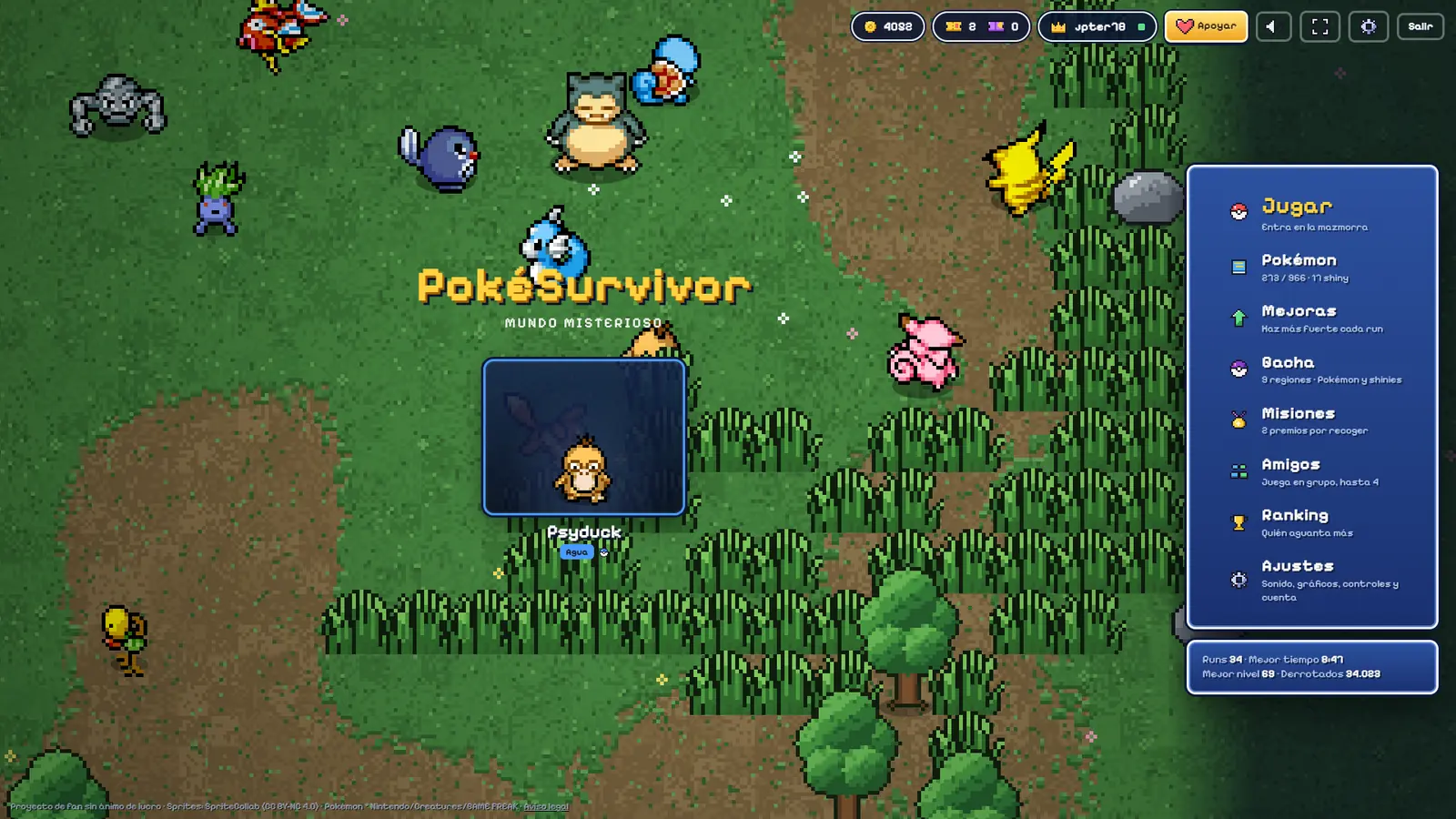
Start by checking the hostname: JPTER78 identifies pokesurvivor.com as the only official game site. A failed login elsewhere does not prove a server outage, account theft or malicious intent. This guide cannot access accounts or reset passwords.
- Confirm the address is pokesurvivor.com. This guide does not proxy the game.
- Press Save on the working official session before switching devices, and check that synchronization succeeds. Do not erase site data as a first step: the README warns that deleting localStorage can lose progress.
- If level-up cards vanished mid-choice, the 20 October patch reopens them. Reload the official site so you are on that build.
- Audio stays silent until the first click. That is documented, not a crash.
- The distant co-op boss after returning from a rift was addressed in the 19 October notes, not the 20 October entry. Reload an old client from the official site without deleting its stored data.
- The 14 October notes describe linking Gmail to an existing name/password account. If it was linked, Google sign-in accesses that same account. The notes do not promise recovery for an unlinked account; ask through the author’s itch board.
- The 12 October notes report fixes for iPhone two-finger move switching and fullscreen guidance via Share > Add to Home Screen. Treat older complaints as historical; if an issue persists, report the device, browser and build rather than assuming all iPhones are affected.
Which site is the real PokéSurvivorJPTER78 names one PokéSurvivor site: pokesurvivor.com. This page lists lookalikes checked on 21 October 2026, including the filing against pokesurvivor.co.Co-op, friends and roomsPokéSurvivor co-op supports up to four players. Add friends by nickname, invite them to a room, and check the dated invite, save and move-fix notes.ContactEmail [email protected] for a correction, a copyright notice, or a privacy request. Game account resets stay on pokesurvivor.com.
Sources
Checked . Game data version d2dfaee739 (2026-10-20T21:42:46Z).